
Tap the download button above to save the Repaiir App setup file to your device.
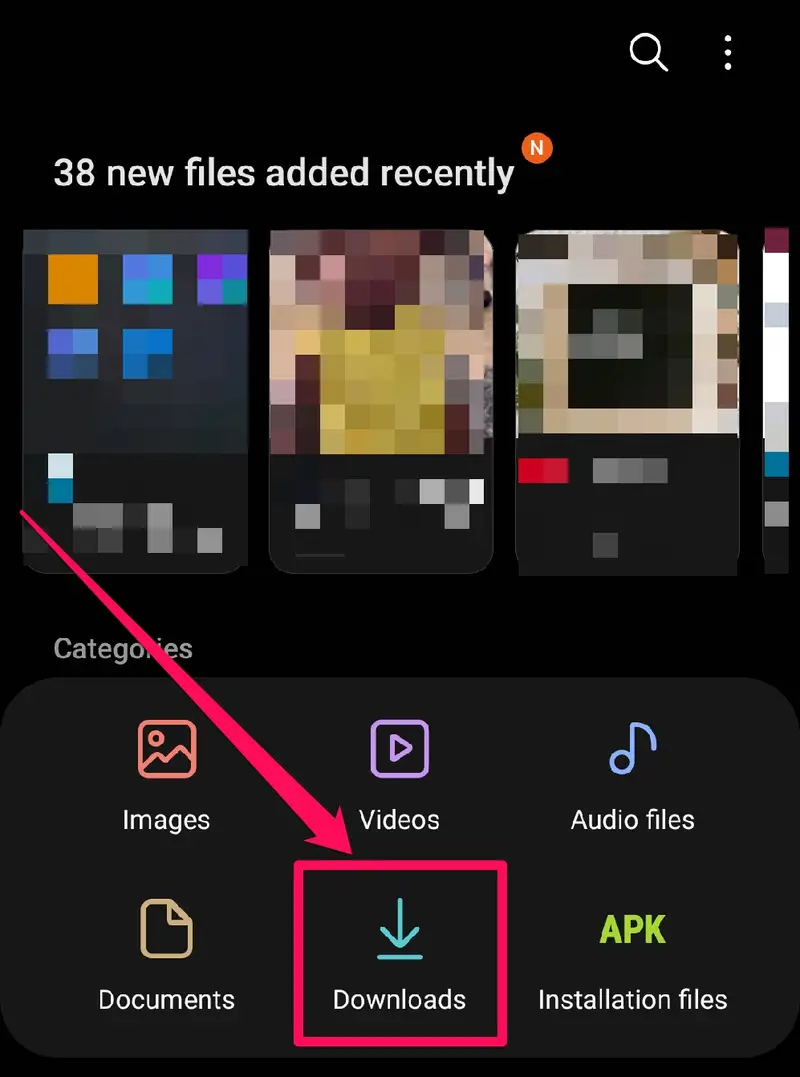
Open your File Manager and locate the downloaded APK file. A warning may appear — this is normal.
.jpg)
Go to Settings and enable “Allow from this source” so your device can install the app.
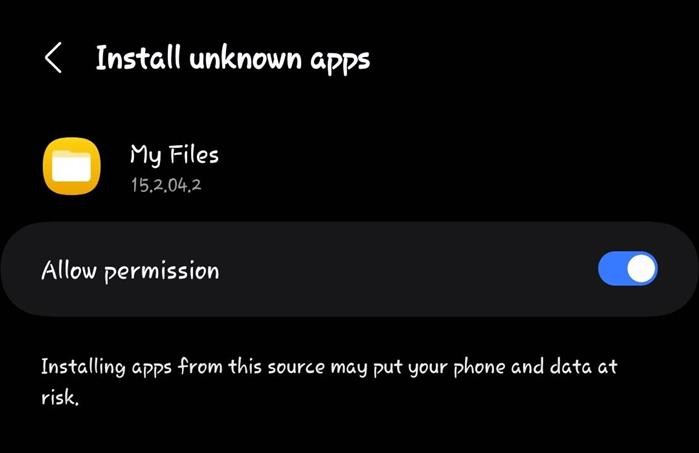
Open the APK again and press Install. The Repaiir App will be ready to use shortly.
.jpg)